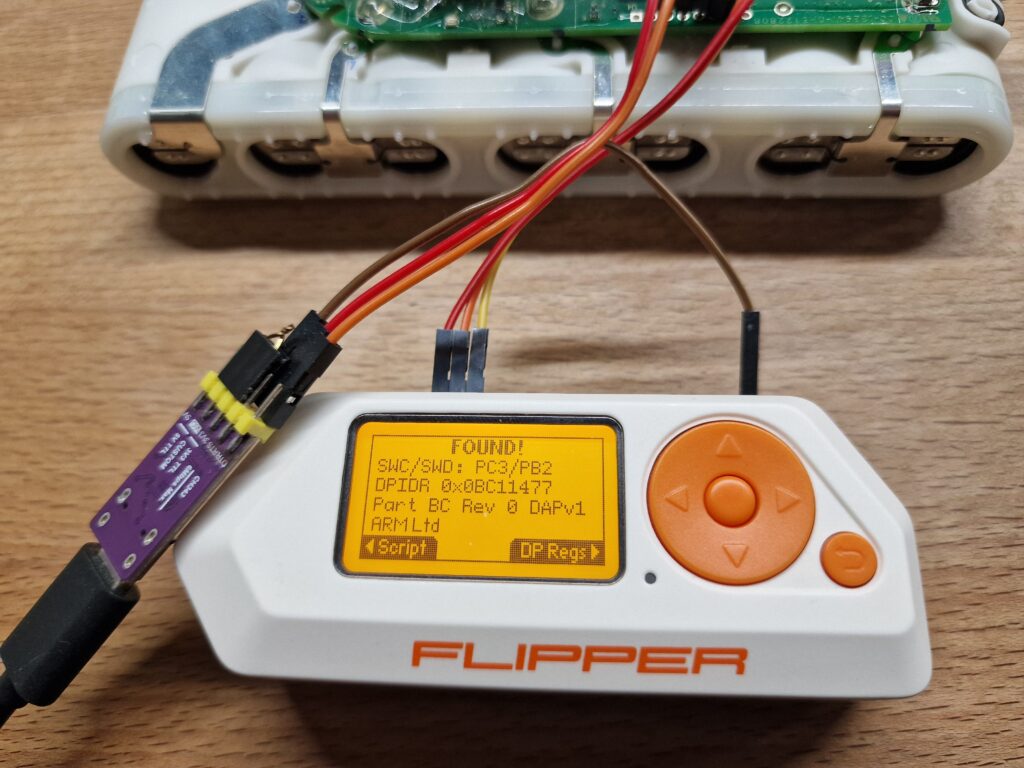
About half a year ago, I published a reimplementation of the ESP32 web flasher libraries.
It is useful if you want to build your own web updater for your product or hobby project.
Recently I built a simple sensor that reports to Grafana to monitor the water pressure next to my washing machine. It works great, but sometimes I want to update it quickly, and I have not implemented Wi-Fi updating yet.
For these cases, using my Android phone to update it seemed like the fastest way.
That is why I quickly built a Node.js package to create a standalone, self-contained web flasher that works on desktop browsers (WebSerial: Edge, Chrome, Firefox) and mobile phones (WebUSB: Edge, Chrome).
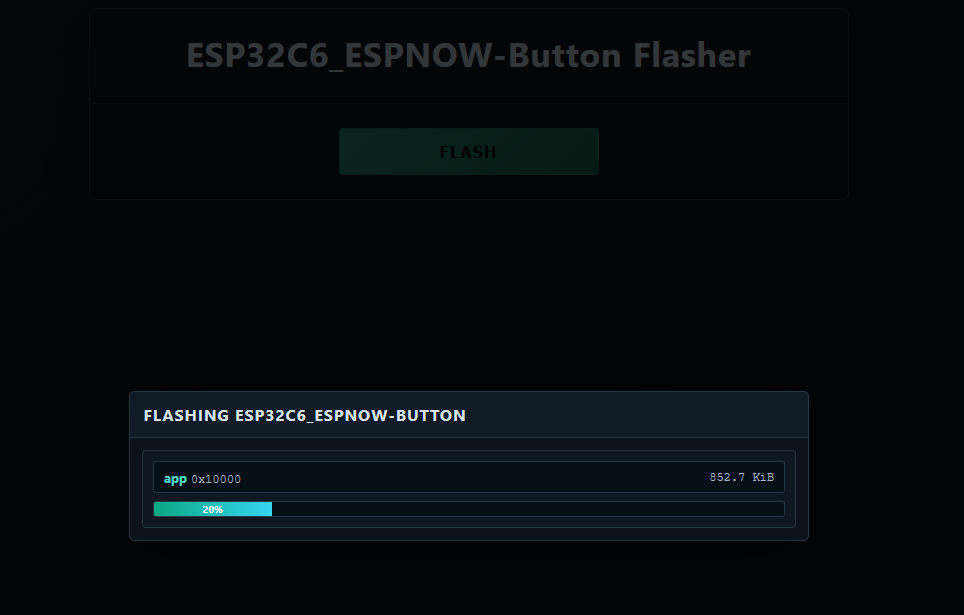
Simply append this to your IDF project’s CMakeLists.txt:
# ---- Common append-only flasher block ----
set(FLASHER_GENERATOR_PACKAGE_DIR
	"${CMAKE_CURRENT_SOURCE_DIR}/node_modules/esp32-singleclick-flasher-generator")

if(NOT EXISTS "${FLASHER_GENERATOR_PACKAGE_DIR}")
	message(STATUS "Installing npm package: esp32-singleclick-flasher-generator")
	execute_process(
		COMMAND npm install esp32-singleclick-flasher-generator
		WORKING_DIRECTORY ${CMAKE_CURRENT_SOURCE_DIR}
		RESULT_VARIABLE NPM_INSTALL_RESULT
	)

	if(NOT NPM_INSTALL_RESULT EQUAL 0)
		message(FATAL_ERROR "Failed to install esp32-singleclick-flasher-generator")
	endif()
endif()

add_custom_target(generate_flasher_html ALL
	COMMAND npx esp32-singleclick-flasher build/flasher_args.json flasher.html "${PROJECT_NAME}"
	WORKING_DIRECTORY ${CMAKE_CURRENT_SOURCE_DIR}
	COMMENT "Generating single-click flasher HTML"
	VERBATIM
)
add_dependencies(generate_flasher_html app)
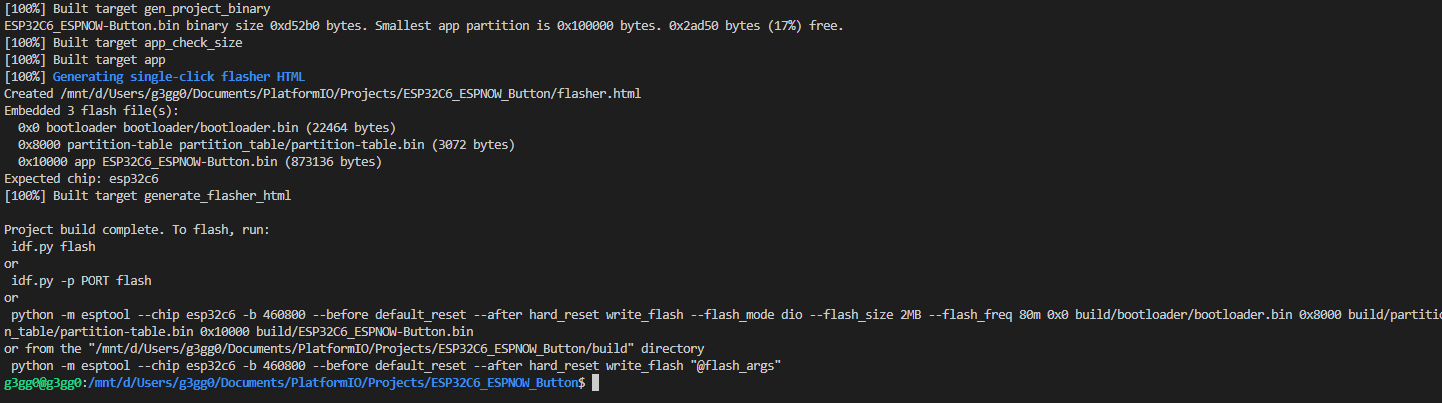
It will automatically install the npm package esp32-singleclick-flasher-generator before the build and then run that package, creating a flasher.html file.
Maybe thats helpful for your projects as well.
Related Posts
[ESP32] WebSerial / WebUSB – another Rabbit Hole
[ESP32] Browser-based firmware image viewer and editor