While writing the title of that post, a cold shower ran down my back. Hell, what have I been doing lately? With a generous amount of GitHub Copilot credits, I’ve been sliding deeper into vibe coding. Or assisted coding. However you want to call it.
I just type what to change, really just the bare minimum of information, and an LLM modifies the boilerplate code from the session before to fulfil my wish.
That said, writing the same crap for the thirteenth time is exhausting nevertheless. So why do it the fourteenth time? With help from Claude or Codex, my copilot now simplifies reverse-engineering tasks far beyond what I expected. When I know exactly how I want to parse a specific part of a firmware image, I can instruct that transistor-based co-hacker to produce the required code in seconds, while I work on the next thing. Or just watch a movie and have some wine.
This accelerates my hobby in a way that’s hard to overstate. Years ago, “fixing someone’s firmware image” meant hours of work for a single bug. I still spend hours today – but I usually end up not only fixing the issue, but also building a reusable tool that speeds up the next job. (thats what I tell myself every time)
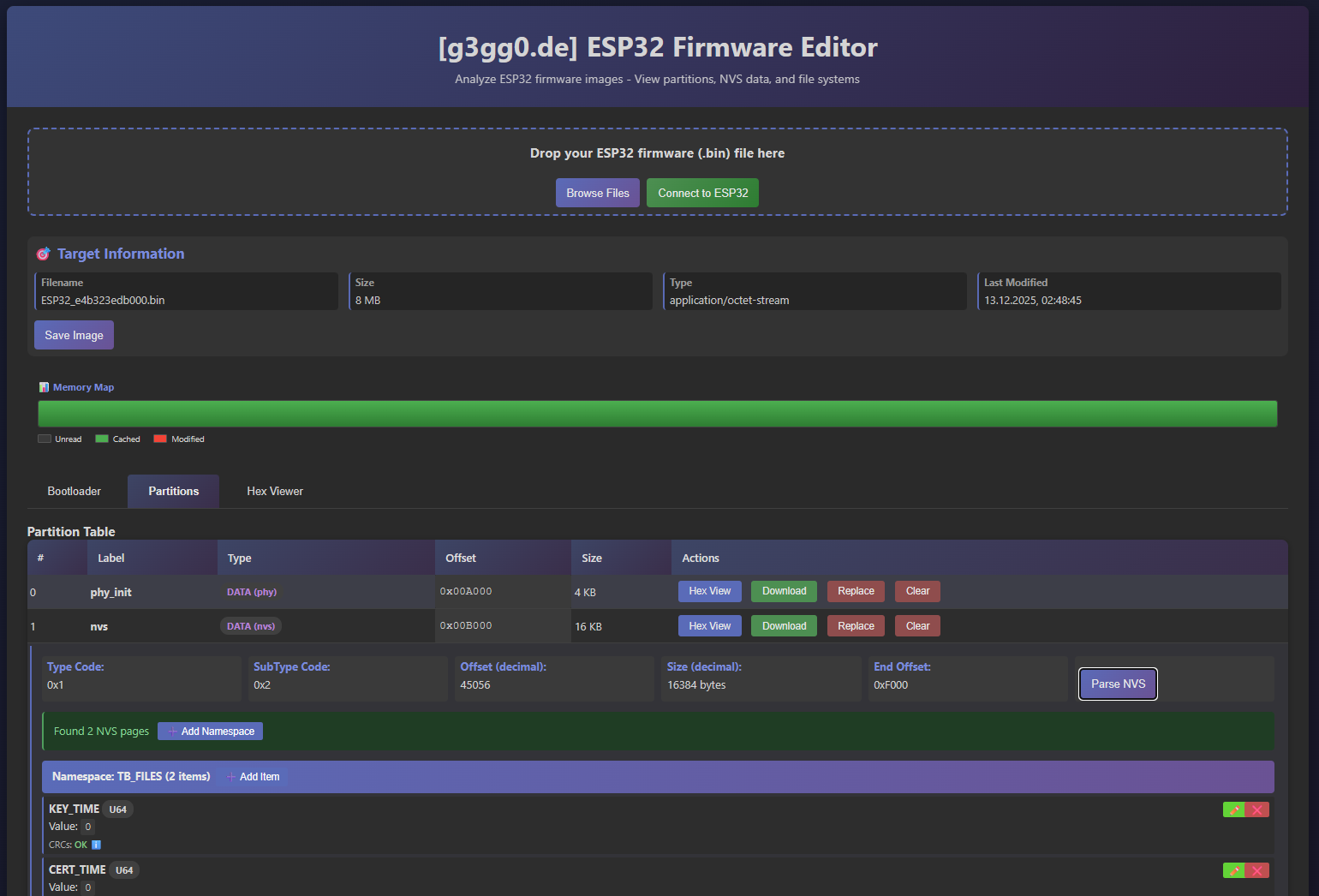
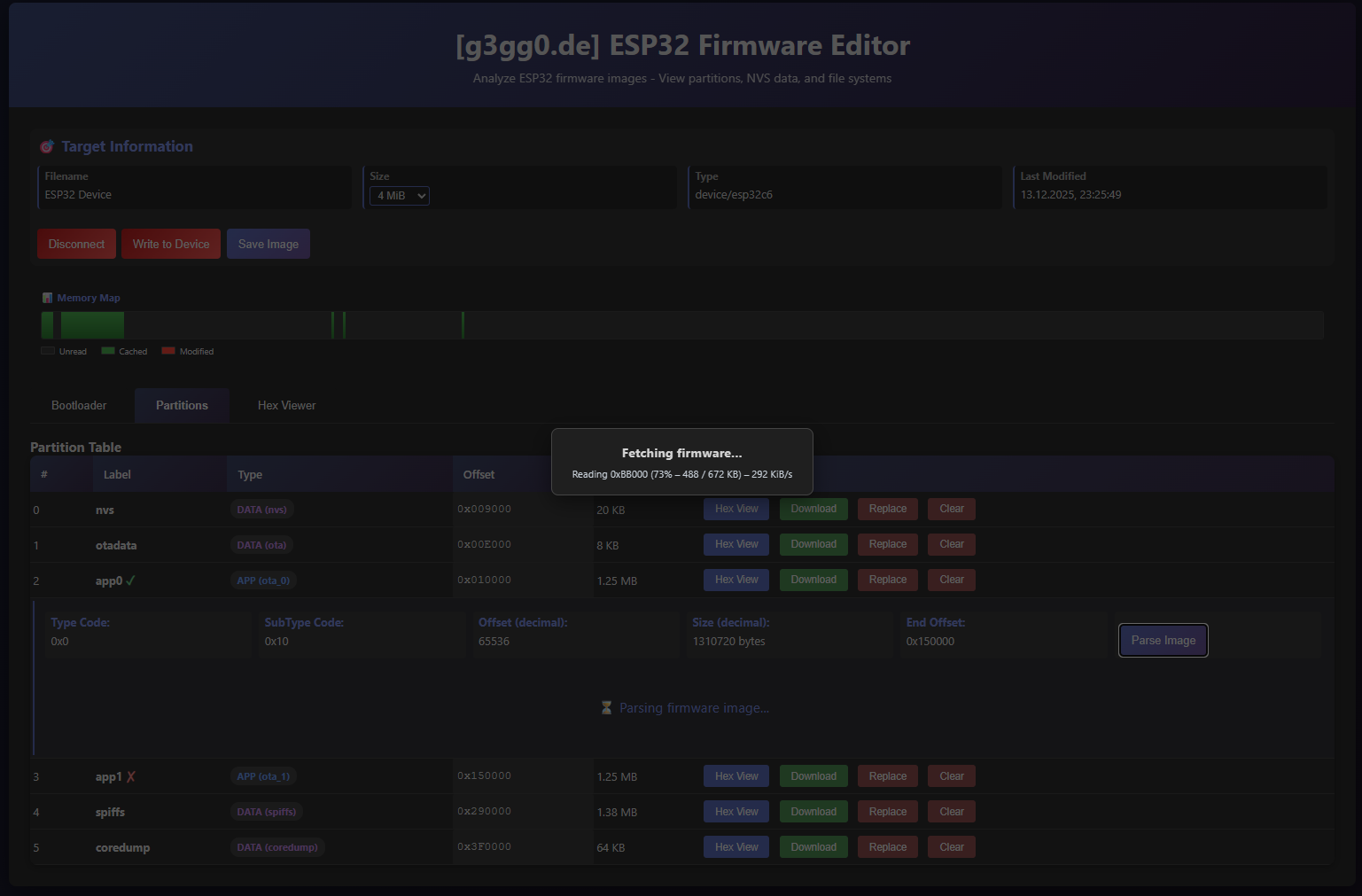
Yesterday was a good example. A failed ESP32 firmware patch turned into a feature-rich firmware image editor, capable of working on full .bin images as well as directly on-chip via USB-JTAG or a UART adapter. Oh, and yes, you need Chrome or Edge to use the serial port. It re-uses my recently developed browser based ESP32 flasher. This one was meant to get easily embedded into other projects and focus on testing for serial link stabity.
This isn’t meant to get a huge article, just the necessary background and the final result. Information about the ESP32’s firmware image is documented everywhere. Also how to load the stub into the memory, as well all commands you need to read and write flash.
I have written also C-code that goes through NVS sectory and deletes or adds entries.
It’s all around. Just in the wrong project, in the wrong language and everything was done thirteen times. This time Claude made the fourteenth version – running in your browser for your convenience and easy access. (t.b.h. – it’s mainly for my own convenience)
You can find it here:
https://github.com/g3gg0/esp32_flasher
Live Version:
ESP32 Firmware Viewer | ESP32 Web Flasher
Warning: This is experimental. I am still working on it. Especially NVS editing was not tested yet.
AI generated description:
Parsers & Analysis
- ESP32 Firmware Parser
Extracts and analyzes bootloader, partition table, NVS (Non-Volatile Storage) data - Bootloader Analysis
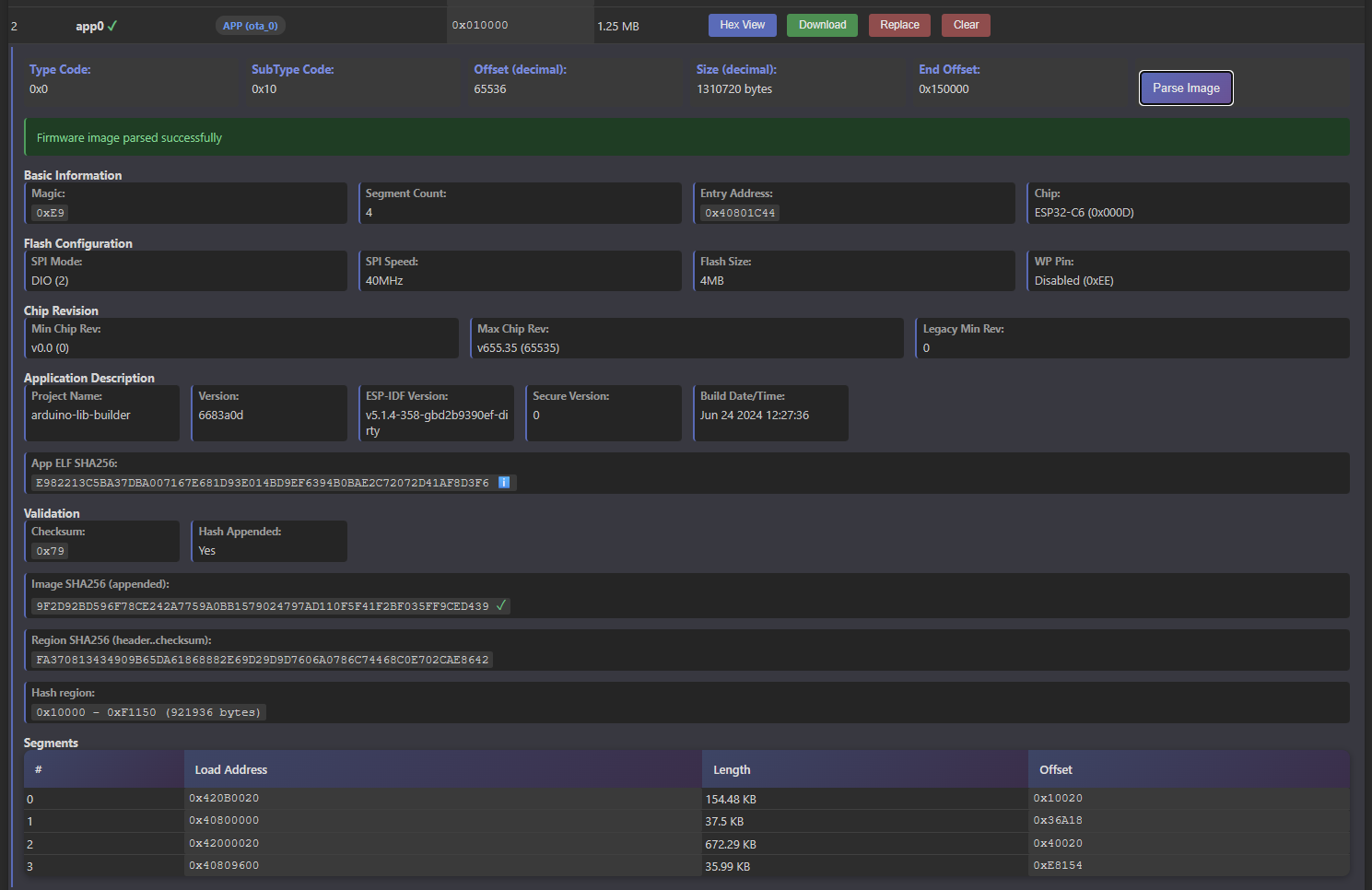
Parses magic numbers, chip info, flash configuration, app descriptions, and SHA256 validation - Partition Table Detector
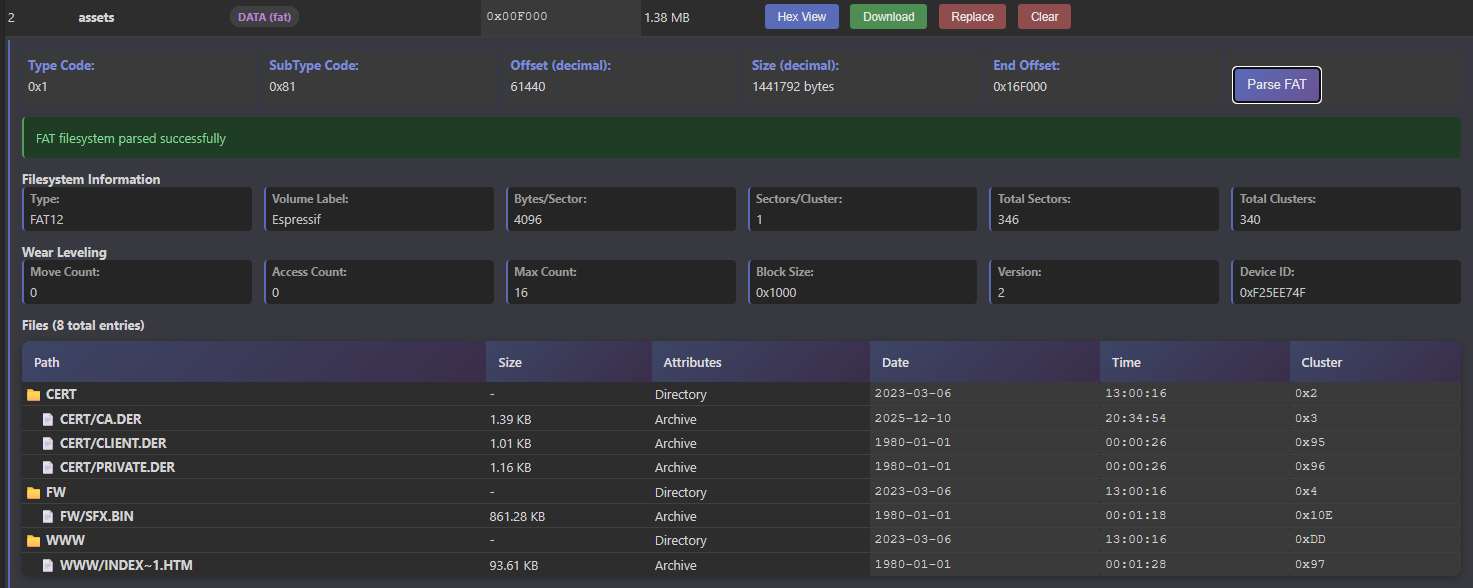
Auto-detects partition offset and parses partition metadata - FAT partition parser
Easily parse Espressif’s wear-leveling FAT partitions and extract files from it. - SHA1/SHA256 Computation
Validates firmware integrity across regions - SparseImage Parser
Efficient caching layer for reading large firmware images without loading everything into memory. Uses sectors to efficiently group write actions in write buffers.
Device Communication
- Chip Support
Recognizes ESP32, ESP32-S2, ESP32-S3, ESP32-C3, ESP32-C6 with chip-specific stubs - SLIP Protocol Layer
Handles serial framing for ESP32 bootloader communication - ESP32 Flasher
ROM bootloader command implementation (flash begin/end, memory operations, erase, read) - Stub Loader
Downloads flash stub to device. Required for flash reading. - Serial Port Access
Direct USB/UART connection management via Web Serial API - Command Handlers
Sync, hard reset, baudrate change, SPI configuration
Editors & Modifications
- NVS Editor
View, add, edit, delete non-volatile storage entries with type support (string, uint, blob) - Partition Editor
Replace/modify individual partition contents - Firmware Patcher
Apply byte-level changes to firmware images - Memory Writer
Write modified firmware to device via USB-JTAG or UART - Hex Editor
Low-level firmware viewing with configurable offset, length, and byte-width
Performance & Optimization
- Sparse Buffer Caching
Lazy-loads only needed regions from slow devices (ESP32-S3/C3 via USB are slow as hell) - Write Buffer Merging
Combines adjacent writes into 4KB blocks for efficient device flashing - Speed Monitoring
Tracks read/write performance and warns of slow connections - Memory Map Visualization
Shows cached, modified, and unread regions in real-time
Related Posts
[ESP32] WebSerial / WebUSB – another Rabbit Hole
Dyson v15 Battery Notes